

Description
What you get
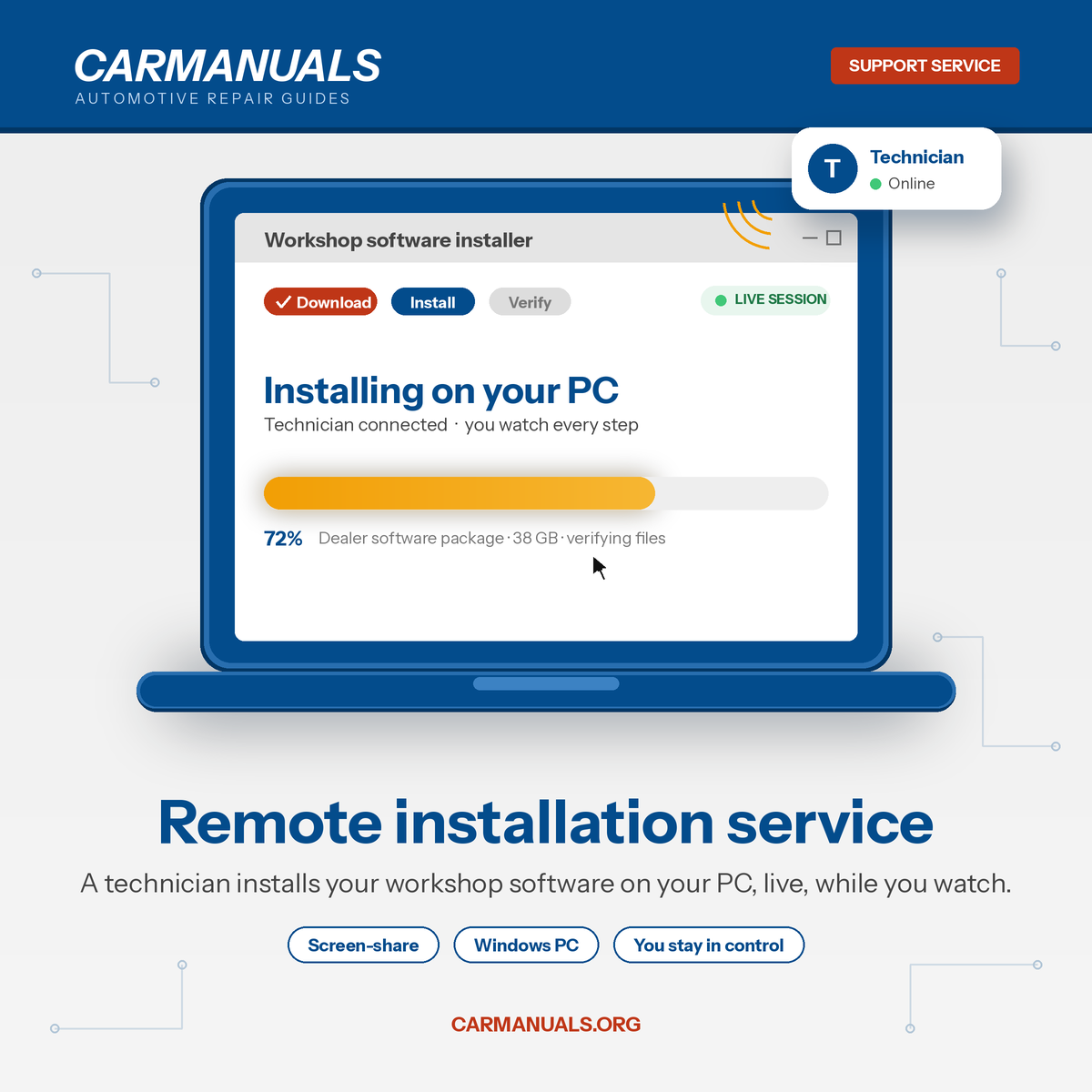
- One remote session in which our technician installs and opens the software you bought from us on your computer.
- Screen-share is by invitation: you approve the connection, watch everything, and end it at any time.
- We confirm the program launches and reads your manual before we disconnect.
Who it’s for
- Anyone who bought a dealer program, EPC, or virtual-machine package here and would rather not deal with installers, ISO files, or VM setup.
- PDF manuals don’t need this service; they open with any PDF reader.
What you need ready
- A Windows PC that meets the requirements listed on your software’s product page.
- Administrator rights on that PC.
- A stable internet connection for the whole session.
- Your order number and the software already downloaded, or enough free space to download it during the session.
How it works
- Buy this service.
- Reply to your order confirmation email with the order number for your software and the times you’re available. We arrange a session by email.
- At the agreed time, install the free screen-share app we point you to and share the access code with us.
- The technician installs the software, checks it runs, and leaves you with it open.
Not included
- Diagnostic cable or interface drivers, vehicle communication tests, ECU coding.
- Fixing a PC that doesn’t meet the requirements, Windows repairs, or antivirus conflicts we can’t resolve during the session.
- Installing software not purchased from this site.
 Categories
 Car filter
 Search
 Top
Top